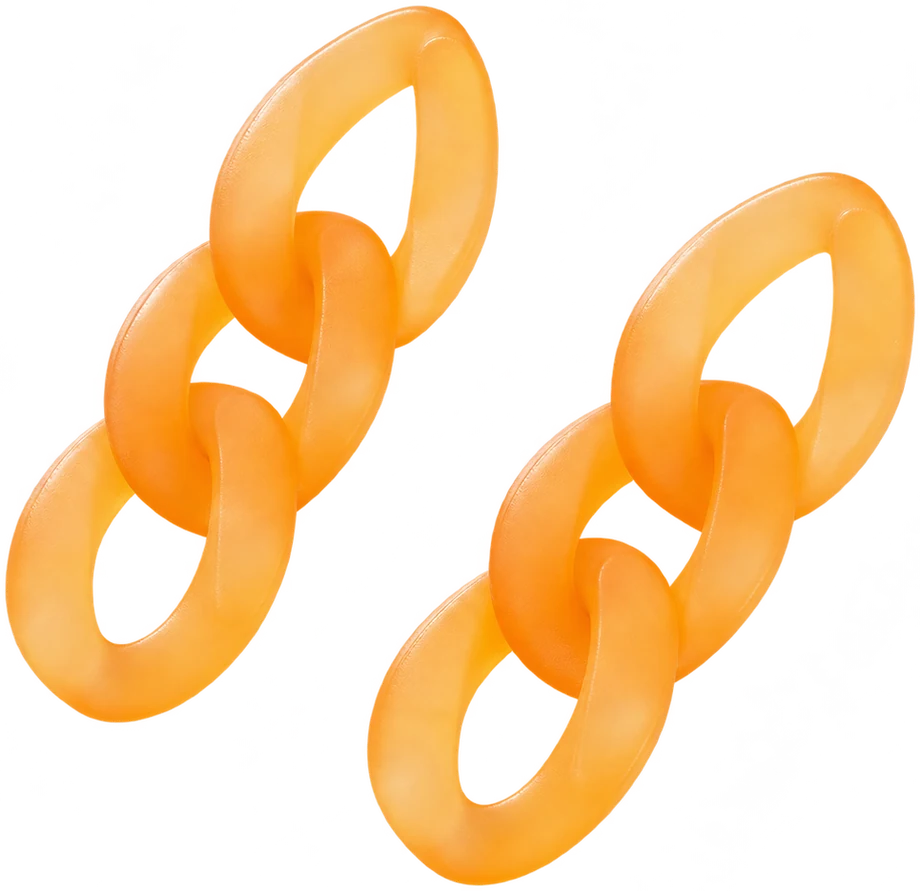
 Available
Candy Colored Hoop Earrings
Candy-orange chain-link earrings.
Wealth★★☆☆Calm★☆☆☆Love★★★☆Career★☆☆☆
Buy · $25 →To pick an RGB color, enter its red, green and blue channel values from 0 to 255, or use the browser color control below. The tool shows the same opaque sRGB value as a swatch, an RGB expression and a six-digit HEX code. For example, RGB 77, 107, 139 becomes #4D6B8B.
No account is needed. This tool processes the color in your browser, without uploading or saving your entries. It does not read your screen, camera or images.
Initial example: red 77, green 107, blue 139. Editing a number hides the old result until you choose Show color.
RGB: rgb(77, 107, 139)
HEX: #4D6B8B
Use the property your design needs. Applying this same color to both text and its background would hide the text. These lines are not a recommended text/background pair.
R, G and B are three digital color channels, in that order. In this tool, each whole-number channel has 256 possible values, from 0 through 255. Zero is the minimum for that channel. 255 is the maximum. The values are not percentages or a physical paint recipe. The tool rejects unsupported entries instead of rounding decimals or silently reducing a value above 255.
| Enter R, G, B | Resulting HEX | What to check |
|---|---|---|
| 0, 0, 0 | #000000 | All channels at minimum |
| 255, 255, 255 | #FFFFFF | All channels at maximum |
| 0, 128, 255 | #0080FF | Keep the leading 00 pair |
| 128, 128, 128 | #808080 | Equal channels. No claim of perceptual halfway brightness |
| 77, 107, 139 | #4D6B8B | The initial example above |
All five are original arithmetic checks for this tool. They are not a prescribed palette, a stored color-library update or personal styling advice.
The W3C CSS Color 4 hexadecimal notation section describes the first pair as red, the next as green and the last as blue. Six digits specify an opaque sRGB color. Letter case does not change the color. This tool prints uppercase for the record.
For each channel, divide by 16. Write the quotient and remainder as hexadecimal digits: 0–9, then A–F for 10–15. Pad a one-digit result with a leading zero. For the initial example:
| Channel | Quotient and remainder | Pair |
|---|---|---|
| Red 77 | 4 × 16 + 13. 13 is D | 4D |
| Green 107 | 6 × 16 + 11. 11 is B | 6B |
| Blue 139 | 8 × 16 + 11. 11 is B | 8B |
Join the pairs after a hash: #4D6B8B. The alternate expression rgb(77, 107, 139) identifies the same value. This conversion changes the notation, not the chosen color.
MDN’s color-input reference explains that the interface depends on the browser and platform, and describes limited-sRGB as 8 bits per component. Here, a color-control update fills the three number fields and result together. Numeric edits instead wait for Show color, so an incomplete edit never appears as a newly checked result.
Scope: one opaque sRGB color. There is no alpha input, wide-gamut export, image upload, screen eyedropper, color-name identification or automatic contrast verdict. A matching code does not establish a paint, fabric, print or complexion match. Different displays and viewing conditions can show the same digital reference differently.
Fictional handoff: “Mockup panel accent: opaque sRGB, RGB 77/107/139, #4D6B8B. Body text is a separate choice. Its contrast has not been checked.” The note preserves the value without inventing approval.
No. Keep two digits per channel: 00, 80, FF. The result is #0080FF. Dropping the red pair changes the format.
No. This tool reports an error and hides the old result. Decide which supported whole number you intended. It does not clamp or guess.
No. Numeric editing clears the selectable CSS and hides the prior result. Submit the complete triple to create a checked replacement, or make a choice with the browser color control.
Starting with an existing HEX code? Use the HEX-to-RGB preview. To build several related candidates, use the five-color generator, then assign roles in the three-role palette table. Read the text contrast guide before approving a pair.
The separate personal color experience requires sign-in and birth-profile binding, with free access currently enabled. It uses an existing cultural chart method, not this RGB picker. See its method and limits.
EssaColor editorial team · Sources checked November 11, 2026. W3C CSS Color 4 is a Candidate Recommendation Draft. Conversion examples, validation choices and handoff questions are original.
8 picks, 8 available now. Prices are set by the store.
AvailableCandy-orange chain-link earrings.
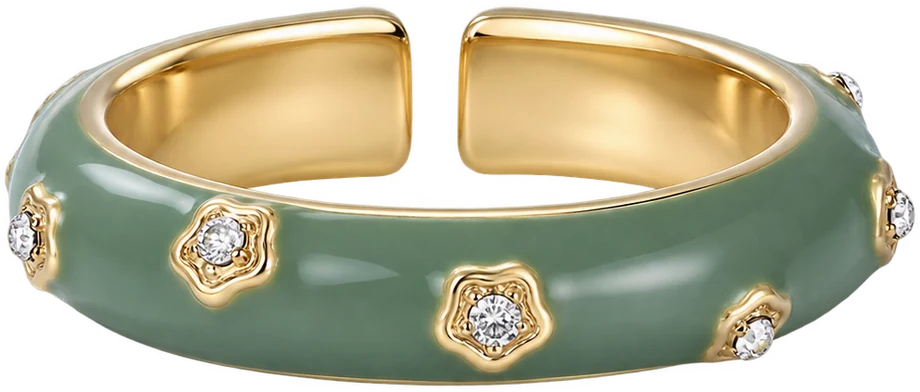 Available
Gold band rings dripped with colourful enamel.
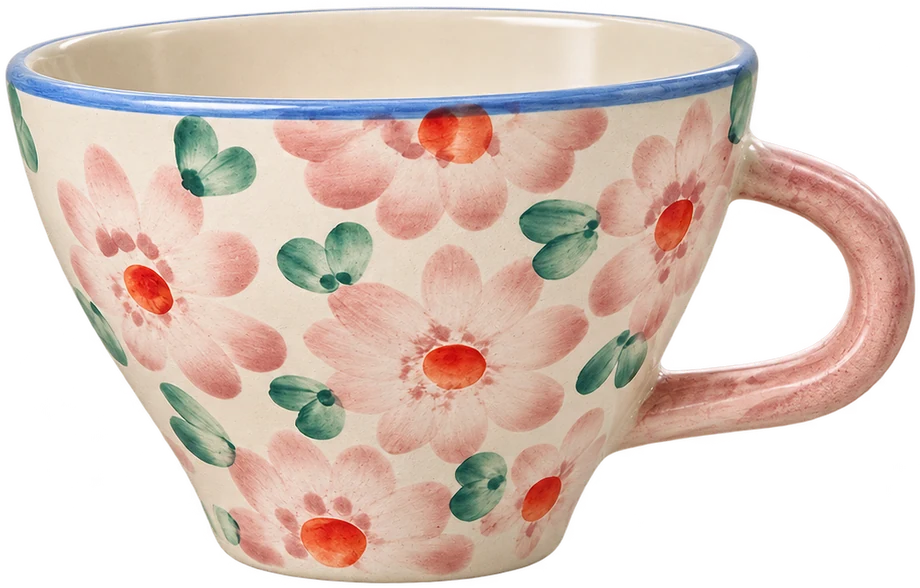 Available
A hand-painted ceramic tea cup scattered with pink flowers.
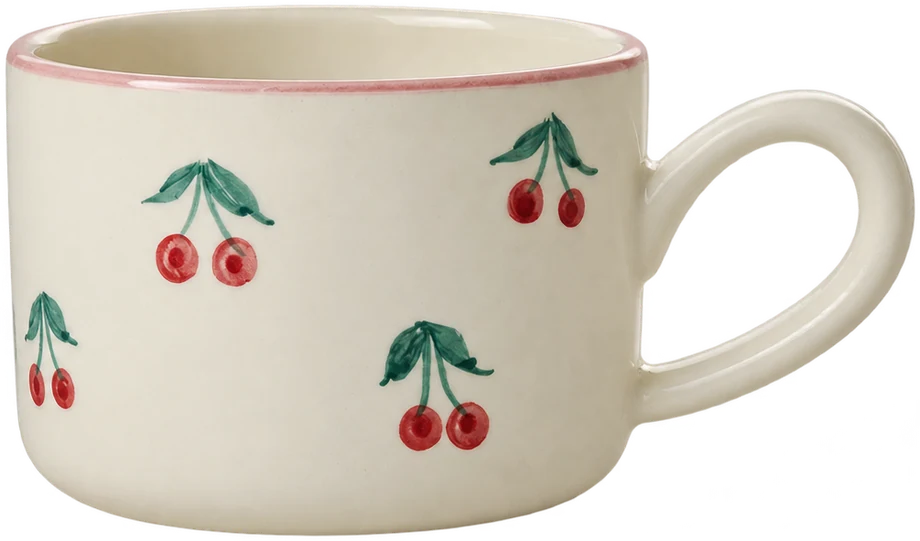 Available
A hand-painted cappuccino cup with little cherries.
 Available
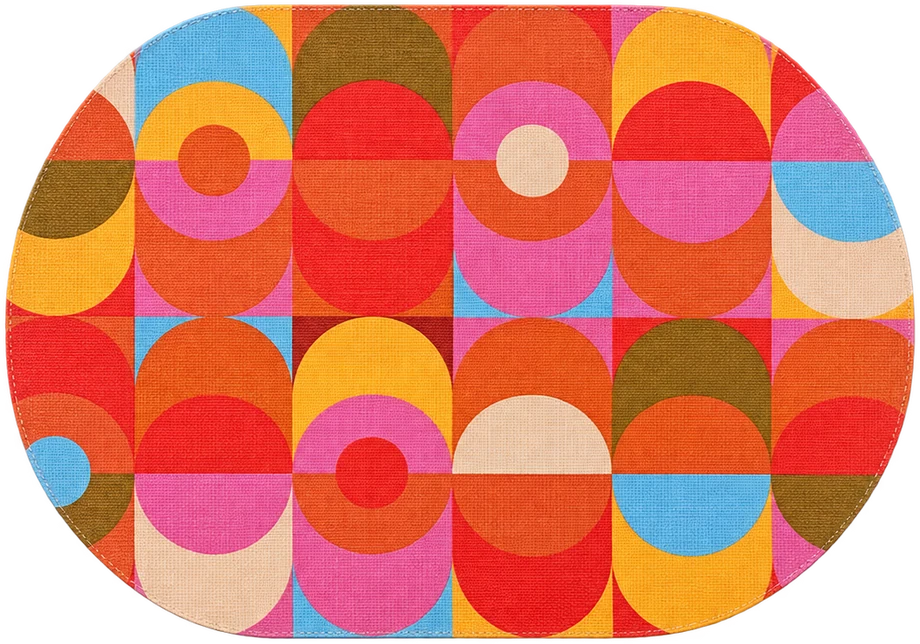
A retro colour-block oval woven placemat, reversible.
 Available
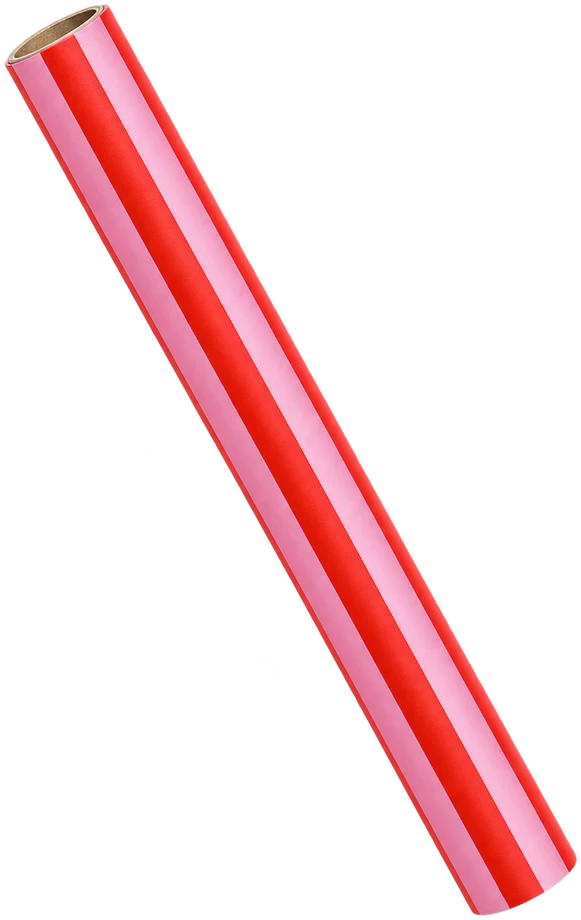
Red and pink cabana-stripe gift wrap sheets.
 Available
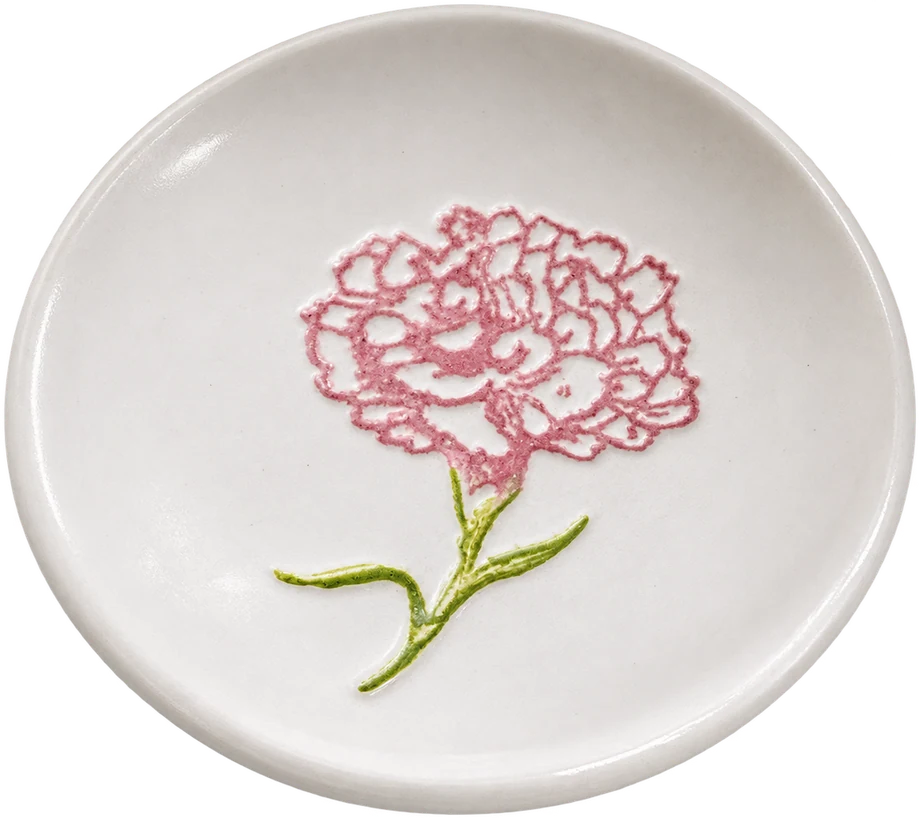
A hand-painted ceramic ring dish with the recipient's birth flower.
 Available
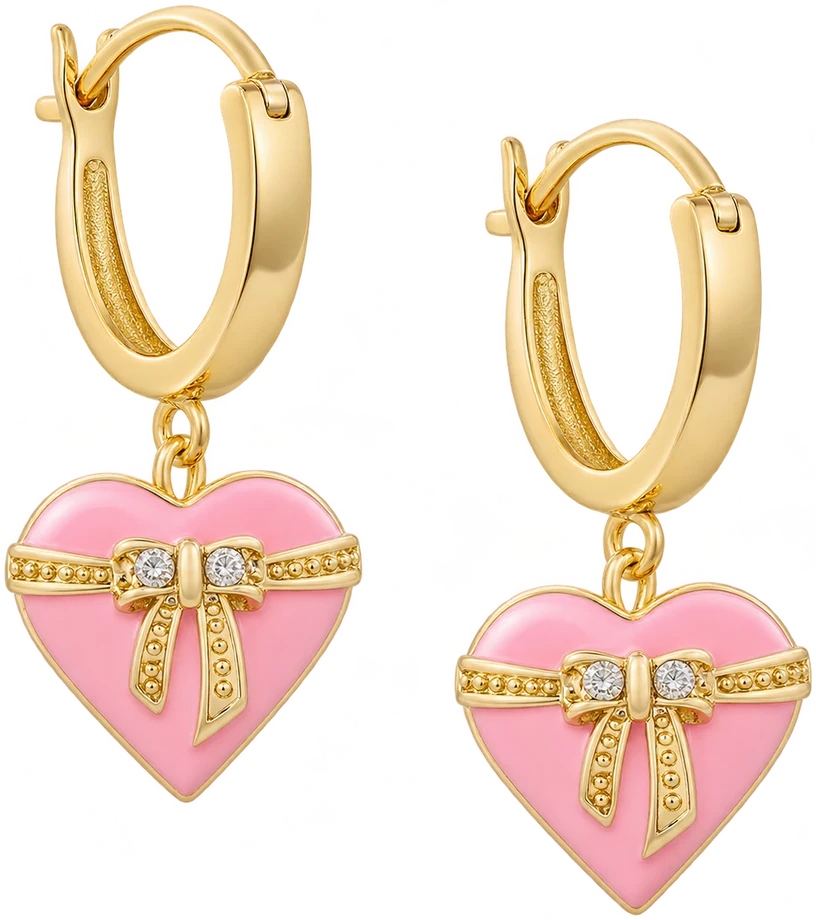
Pink enamel heart-and-bow huggie earrings for Valentine's Day.