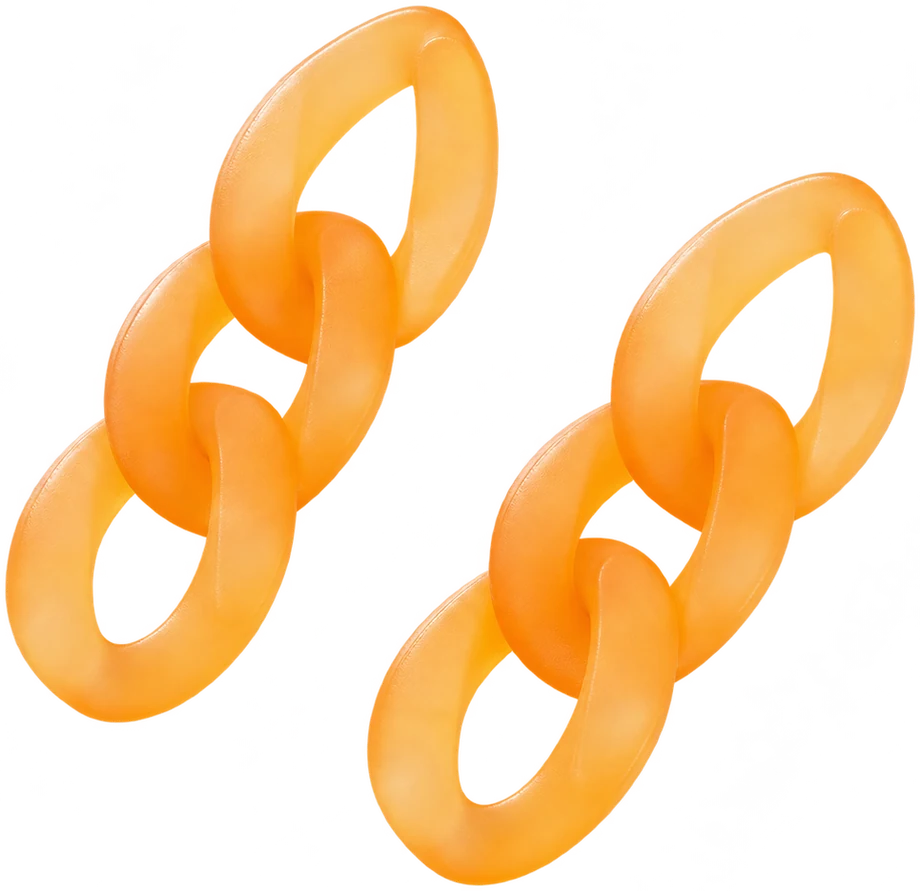
 Available
Candy Colored Hoop Earrings
Candy-orange chain-link earrings.
Wealth★★☆☆Calm★☆☆☆Love★★★☆Career★☆☆☆
Buy · $25 →A color wheel arranges hues around a circle so you can compare neighboring, opposite and evenly spaced colors.Use the RGB chart below for screen-color reference: red starts at 0°, green at 120° and blue at 240°. Each row gives a selectable HEX code, so you can use the chart without changing a setting or creating an account.
This original chart samples CSS HSL every 30°, with saturation 100% and lightness 50%. It follows the screen-color coordinates described in W3C CSS Color. It is one useful reference slice through color space. Real projects can use many more colors and different saturation or lightness values.
| Hue and label | HEX and RGB |
|---|---|
| Red 0° | #FF0000rgb(255, 0, 0) |
| Orange 30° | #FF8000rgb(255, 128, 0) |
| Yellow 60° | #FFFF00rgb(255, 255, 0) |
| Chartreuse 90° | #80FF00rgb(128, 255, 0) |
| Green 120° | #00FF00rgb(0, 255, 0) |
| Spring green 150° | #00FF80rgb(0, 255, 128) |
| Cyan 180° | #00FFFFrgb(0, 255, 255) |
| Azure 210° | #0080FFrgb(0, 128, 255) |
| Blue 240° | #0000FFrgb(0, 0, 255) |
| Violet 270° | #8000FFrgb(128, 0, 255) |
| Magenta 300° | #FF00FFrgb(255, 0, 255) |
| Rose 330° | #FF0080rgb(255, 0, 128) |
Copy the HEX text from a row into a design app that accepts sRGB colors. The intermediate channel value is rounded to128 for an 8-bit code. The table labels describe the original 30° HSL steps. Labels such as orange and violet describe these samples, rather than defining a unique HEX for every use of those color names.
Canva’s color-wheel explanation distinguishes a screen-oriented RGB wheel from the traditional red-yellow-blue wheel used in art. That difference changes which colors occupy the primary positions and which ones sit opposite each other.
| Model | How to read it |
|---|---|
| RGB / this HSL chart | Primary light colors are red, green and blue. Cyan, magenta and yellow sit between those primaries. On this chart, red0° is opposite cyan180°. |
| Traditional RYB | The primary set is red, yellow and blue. Orange, green and violet are secondary colors. The familiar red–green pairing belongs to this different wheel arrangement. |
For a digital mockup, keep a record of the model and the actual codes. For physical paint, use the material’s own mixing information and test a sample: a screen wheel does not predict how particular pigments, fabrics or wall finishes will behave.
Start with the 210° azure row. The following are geometric exercises made from this chart. They offer alternatives to compare, rather than a promise that every combination will suit every design.
#00FFFF, #0080FF and #0000FF. Try one as the large background area and keep the others on smaller objects.#0080FF and #FF8000. Compare a small orange accent with a half-orange layout before deciding how much you want.#80FF00, #0080FF and #FF0080. Begin with three separate objects so you can change their areas independently.These neighbor, opposite and evenly spaced arrangements correspond to the analogous, complementary and triadic relationships outlined by Canva. Changing the areas or values is a separate design decision. The chart gives you hue positions to start from.
Here is one worked comparison using the 30° and210° pair. The upper row uses 100% saturation and 50% HSL lightness. The lower row uses 60% saturation and 75% lightness at the same two hue angles.
#FF8000 + #0080FF
#E6BF99 + #99BFE6
Place each pair in the same two rectangles and compare which version fits your project. HSL lightness is a coordinate, not a guarantee of equal perceived brightness across hues, as the W3C specification explains. Leave text decisions until you have checked the actual foreground and background.
WCAG 2.2’s normal-text AA threshold is 4.5:1. The calculations below use the displayed opaque sRGB HEX values. Pass or fail applies to that threshold and that exact pair. It does not certify an entire page.
| Text / background | Calculated ratio and normal-text result |
|---|---|
#0080FFon #FF8000 | 1.51:1 · Fail |
#000000on #0080FF | 5.53:1 · Pass |
#FFFFFFon #0080FF | 3.80:1 · Fail |
#000000on #99BFE6 | 10.95:1 · Pass |
The first row is an opposite-hue pair, yet it fails this text check. Give the colorful shapes their own space and choose a separately checked text color. Ratios are displayed to two decimals. The pass decision uses the unrounded value. Transparency, images and gradients need their actual composited colors assessed.
For named-color studies, see dark teal and cream. For a separate set of ready-made editorial palettes, use the five three-color palette packs. Those packs have their own existing color values. They are not downloads of this wheel.
Explore more named colors in the color library. If you want EssaColor’s existing birth-chart-based personal palette, My Colors uses its own method and requires sign-in and birth-profile binding. It is currently free. The RGB exercises here are general design references and do not change that method or the library’s stored HEX values.
EssaColor editorial resource · Reviewed 6 November 2026. Chart, worked examples and calculations by the editors. Sources linked beside the relevant explanations.
8 picks, 8 available now. Prices are set by the store.
AvailableCandy-orange chain-link earrings.
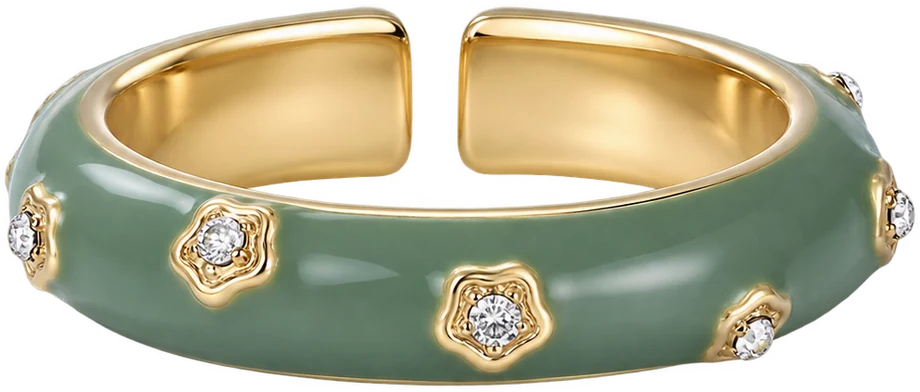 Available
Gold band rings dripped with colourful enamel.
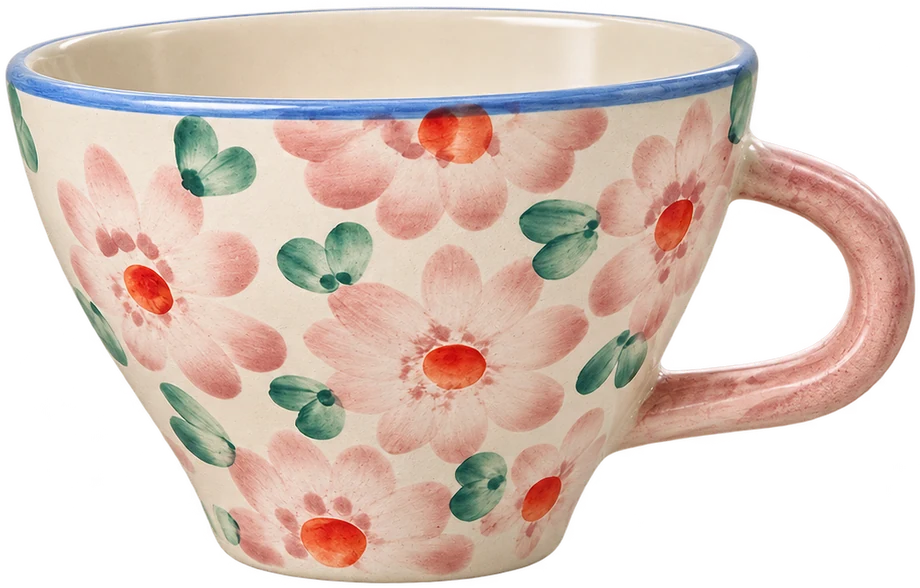 Available
A hand-painted ceramic tea cup scattered with pink flowers.
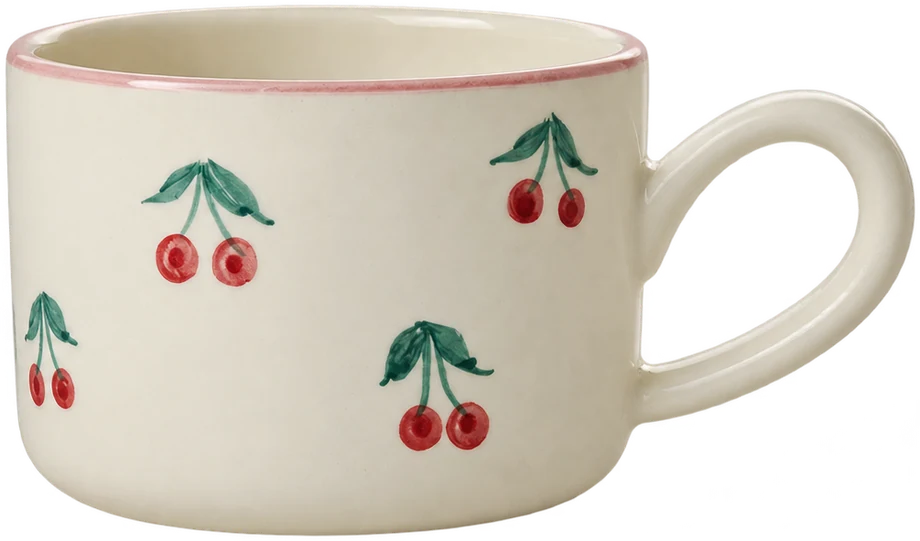 Available
A hand-painted cappuccino cup with little cherries.
 Available
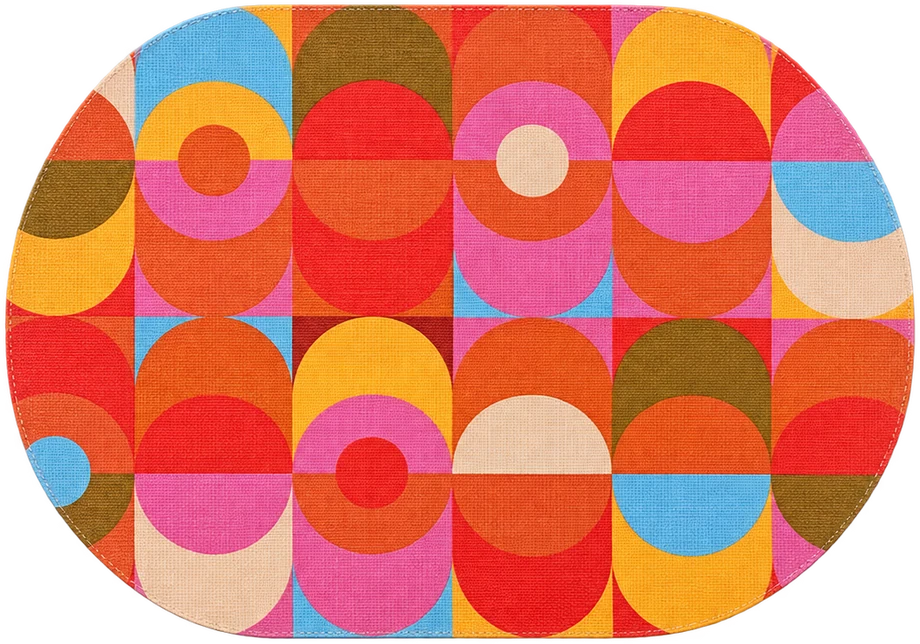
A retro colour-block oval woven placemat, reversible.
 Available
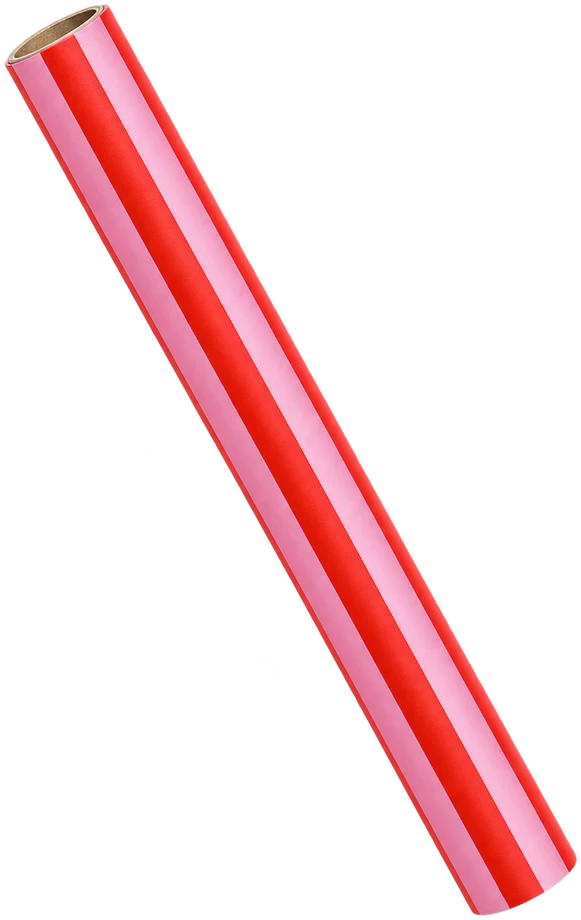
Red and pink cabana-stripe gift wrap sheets.
 Available
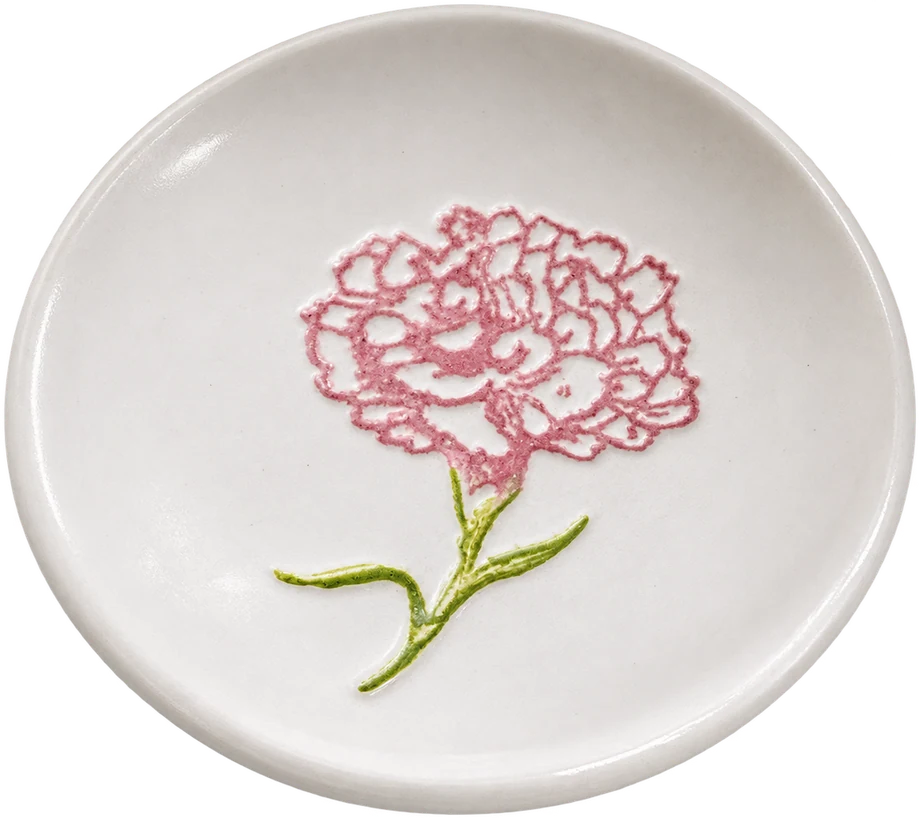
A hand-painted ceramic ring dish with the recipient's birth flower.
 Available
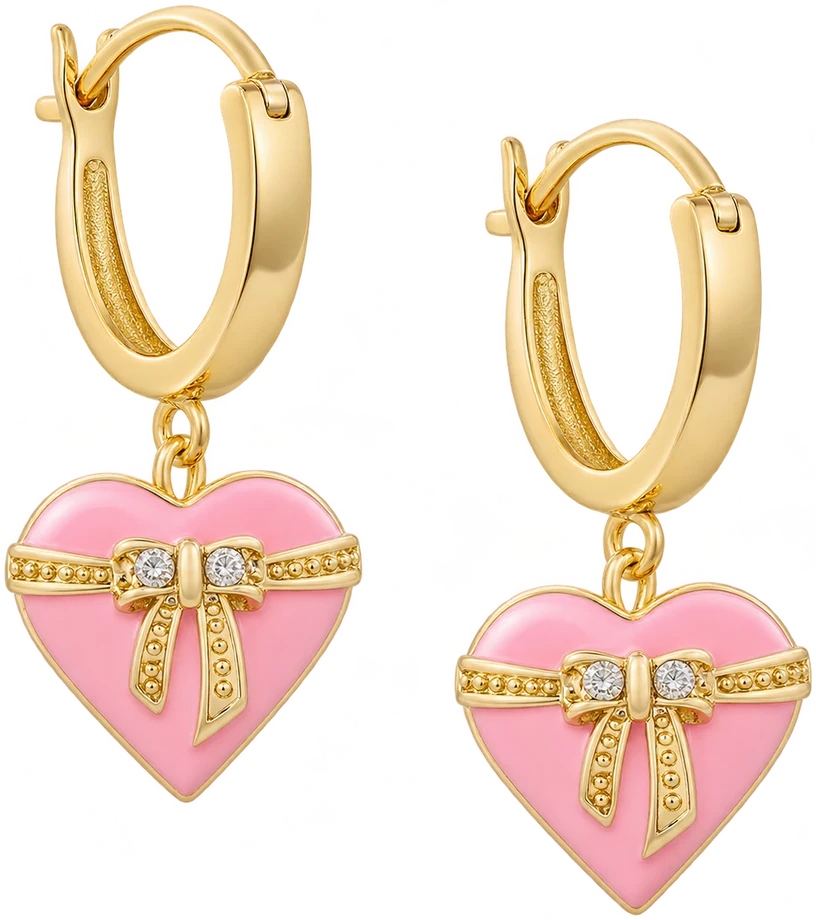
Pink enamel heart-and-bow huggie earrings for Valentine's Day.